


PLR Orange Annual Budget Spreadsheet
PLR Orange Annual Budget Spreadsheet
Select addons
Get 20% off on add-ons.
(Discount will apply at checkout)Couldn't load pickup availability
PLR ULTIMATE ANNUAL BUDGET SPREADSHEET 50 30 20 - MULTICURRENCY GOOGLE SHEETS AND EXCEL
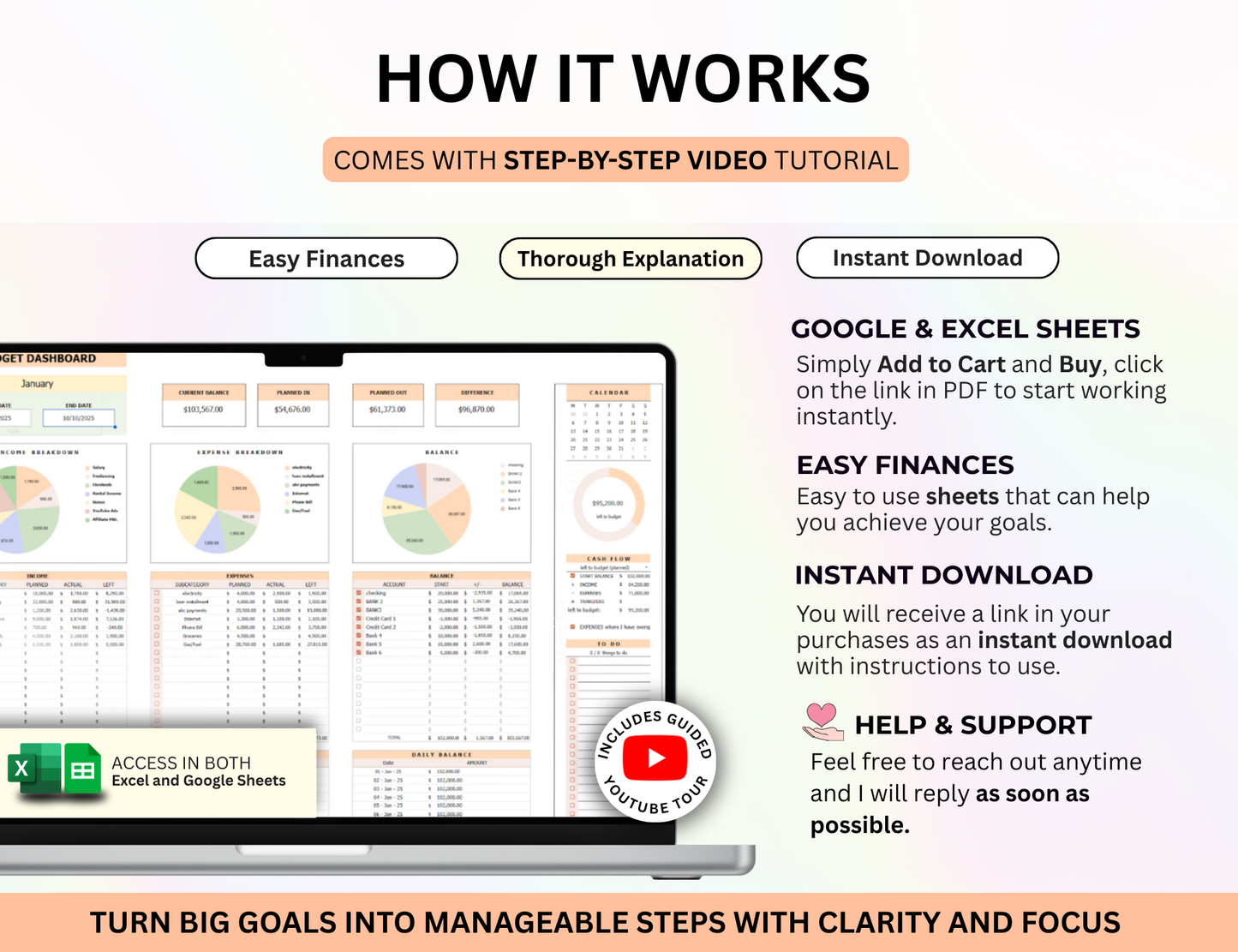
Take control of your finances with Annual Smart Budget Spreadsheet for Google Sheets and Excel. This powerful tool helps you plan and track your finances for a full year—perfect for both budgeting beginners and seasoned pros. Let the spreadsheet handle the hard work for you! Budgeting has never been easier—just follow three simple steps:
1) Set your start date and currency (works with all currencies) on the Planner tab.
2) Enter all your bank accounts and their balances.
3) Input your income and expense details.
Your data will automatically appear on the Budget and Calendar tabs! You can duplicate your budget tab to create weekly, biweekly, monthly, or any custom overview—your planned income and expenses will update automatically. Whether you prefer to budget by paycheck, by month, or both, this spreadsheet adapts to your needs.
💎 MULTI CURRENCY - SET ANY CURRENCY WITHIN SECONDS
$, €, £, ¥, ₣, ₱, ₹, ₽, ₺, Rp, K, RM
One-time purchase, lifetime use! Each new year, simply create a new copy of the template—no repurchase required.
TABS INCLUDED IN THE ANNUAL BUDGET PLANNER
• BUDGET PLANNER – Set your currency, start date, and add accounts, income subcategories, and expense subcategories.
• LOG SETUP – Record all your transactions in one place; totals will update automatically in the right sections.
• TRANSFERS – Manage transfers and account adjustments to keep balances up to date.
• BUDGET TEMPLATE – Duplicate as needed to create weekly, biweekly, or monthly overviews—just update the dates at the top!
• BILL CALENDAR – View all planned transfers, income, and expenses in a clear calendar layout. Track paid and unpaid bills and see how each affects your balance.
• YEAR TAB – Get a full-year overview of your income and expenses. Set savings goals and track progress effortlessly.
• NET WORTH – Select your accounts once and have your monthly net worth calculated automatically.
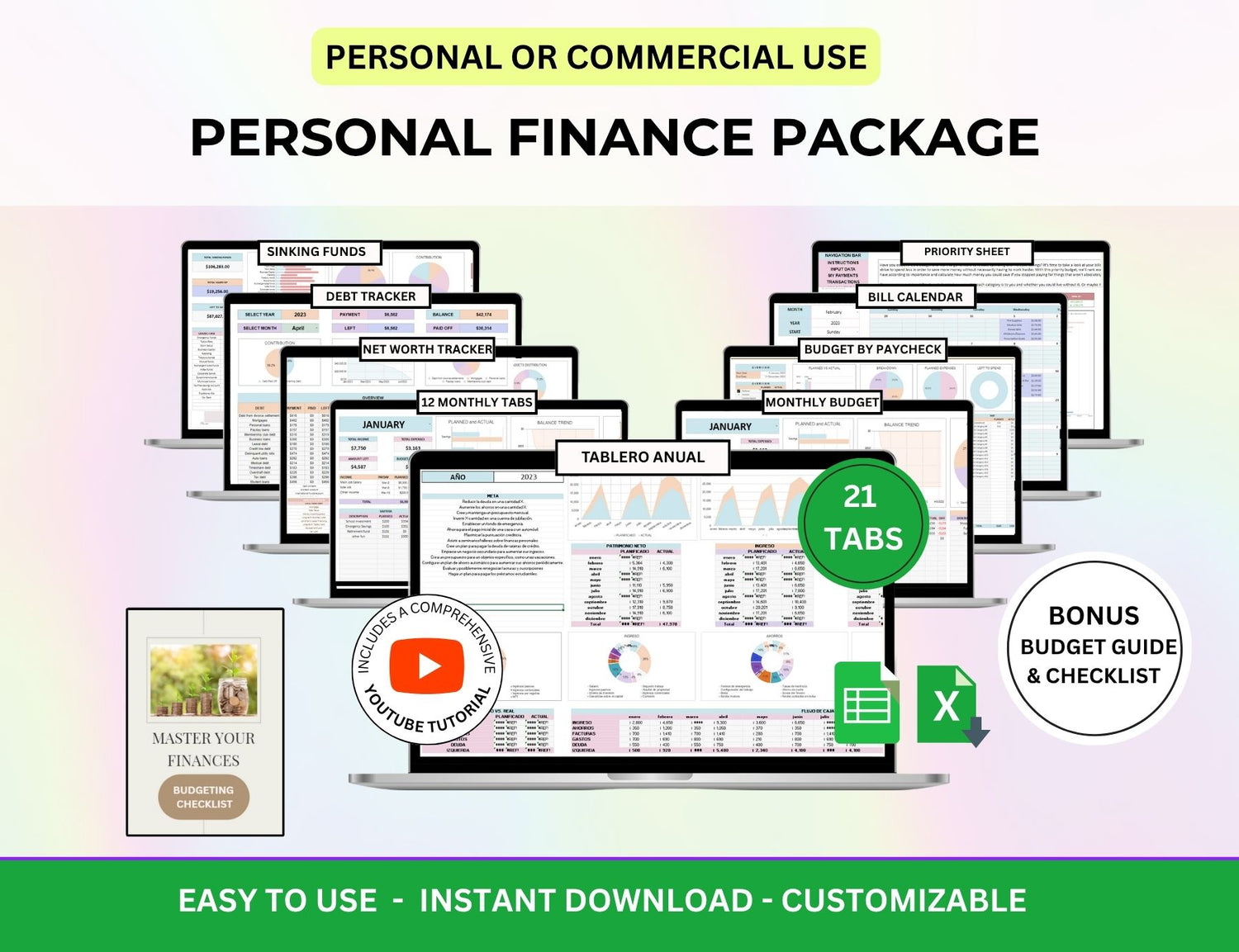
• DEBT PAYOFF – Build a debt payoff plan in minutes. Choose between the Snowball or Avalanche method—or customize your own. Track up to 40 debts easily.
➡️ How is a MRR PLR/Resell Spreadsheet different from a Regular Spreadsheet?
PLR Commercial License Spreadsheet is fully customizable, meaning it is NOT LOCKED from the source, formulae, tabs and there is no limitation on the number of rows, so you can change the layout, currency theme color, graph types, add any additional feature as needed. All the essential formulas and charts are pre-included, and the template is entirely customizable to align with your unique requirements.
WHY YOU NEED THIS BUDGET TOOL
Plan and track your finances for a full year—start on any day.
Create a new yearly budget without repurchasing.
Compatible with all currencies.
Build weekly, biweekly, or monthly budgets.
Includes detailed instructional videos.
FEATURES
Create a yearly budget plan you can reuse every year.
Supports rollover and zero-based budgeting.
Budget weekly, biweekly, monthly, or by paycheck.
Manage multiple bank accounts and credit cards.
Track up to 80 accounts and balances.
Add up to 15 income subcategories and 100 expense subcategories.
Includes cash flow, income, and expense trackers.
Integrated Bill Calendar for easy scheduling.
Track debt and monitor progress on the Debt Tracker Tab.
Visual graphs for “Left to Budget,” “Left to Spend,” and “Budget vs Actual.”
| HOW IT WORKS |
• For Google Sheets, a Google account (free) is required to utilize this template. Excel Version is given separate.
• After purchase, you will receive an email containing a link to your digital file, which will redirect you to your spreadsheet.
• You may also access the file through the 'Purchases and Reviews' section of your Etsy account.
• Start budgeting with your brand-new template!
- Easy Help & Support
- 20K + Customers
- MRR & PLR Rights


Bestselling Collections ❤️
About Us
Frequently Asked Questions
What does instant access mean?
Once you have decided what products you want to buy, you will automatically receive the download after your payment and you will also be sent an email with the download links.
Once you have the PDF that contain the links to Google Sheets/Canva or Excel templates, you save this PDF to your computer or laptop, and you always have access to the original design and don't need to download it over and over again.
We do recommend using a laptop or computer the first time as it is easier to navigate than on a phone.
Can I make changes?
Yes! All the products are editable. You can make changes to the products, add pages, languages, delete pages, change colors, fonts, graphics etc!
Whatever you want to do to suit your brand.
Can I resell with resell rights?
Yes! If you want to resell with resell rights to your audience then you can!
You have the choice if you want to sell the end product or resell rights.
Where can I sell these?
You can resell these on your website, digital products landing pages platforms, Stan Store, Etsy, apart of your memberships, programs, sales funnels in courses.
It is totally up to you where and how you want to sell these products
-

Instant Downloads
Get your file just as you purchase + also receive a link in your email
-
One Time Payment
Pay only once. NO recurring fee. Keep all the profits to yourself.
-

100% Satisfaction
Dedicated Support. Any question or doubt, we are a message away
